Hyperion Restaurants
More reservations. Fewer empty tables.
Give customers a simple way to discover your restaurant, reserve a table and return again. Your menu, your reservation page, your guest list — all on a link you own.
- Discovery
- Reservation
- Deposit
- Confirmation
- Reminder
- Visit
- Repeat customer
Hospitality
Built for rooms, not dashboards.
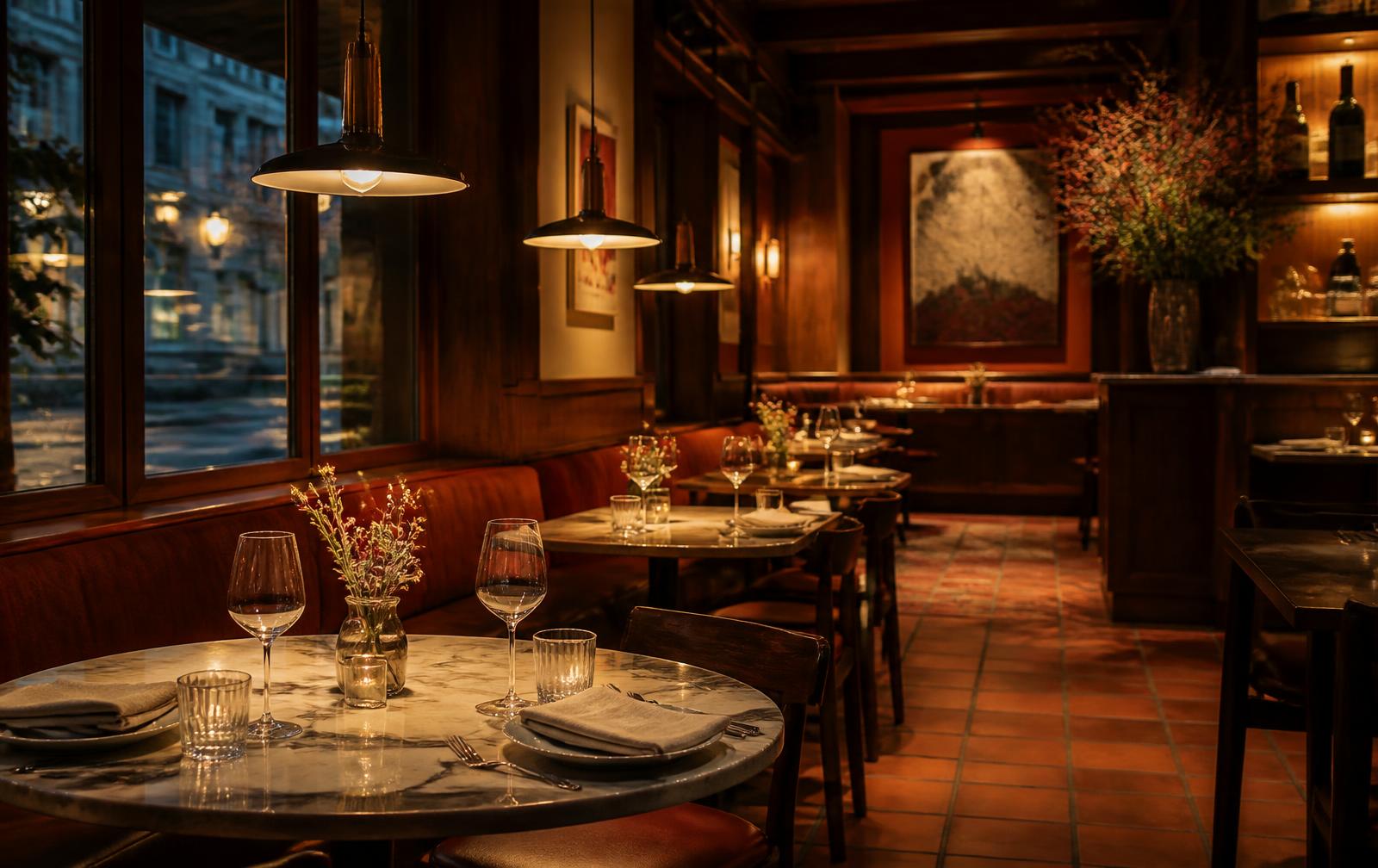
The guest sees a warm, legible page: your room, your menu, and a time they can take. Everything else — seatings, tickets, reminders, the guest list — happens behind the pass.
Guest journey
Discovery to a table, and back again.
One link carries the guest from the first tap to the next visit.
Discover
A guest taps your link in a bio, a text or a QR code on the table or the window.
View restaurant
Your page opens with the room, the hours and the digital menu built from your own.
Select date and time
Real seatings from the availability you set, in 15-minute slots.
Reserve
The table is held only once the database confirms the seating is still free.
Deposit where you want one
Deposits are off by default. Enable one for large parties or busy nights and set the percentage taken at booking.
Confirmation
Email and text to the guest, plus an alert to the restaurant with the party and the time.
Reminder
Scheduled reminders go out before the reservation, on your timing and in your words.
Visit
Table-side QR ordering and the kitchen display run the service once they are seated.
Return
The guest record keeps the visit, the spend and the contact details — so loyalty, campaigns and review requests reach a real regular.
The outcome
A full room, booked on your own link, with the guest attached.
- Who it is for
- Independent restaurants, cafés, bars and food businesses that want their own front door instead of a marketplace listing.
- After the first use
- Every guest you seat becomes part of a list you own — reachable again through loyalty, campaigns and review requests.
The problem
The marketplace keeps the customer.
Third-party listings take the commission and the relationship. You never learn who booked or ordered, so filling a quiet Tuesday means paying for the same guest twice.
Without Hyperion
- Reservations taken by phone during service
- Commission on every delivery order
- No guest contact details to bring anyone back
- Menu updates handled by someone else
With Restaurants
- Reservations taken on your own page, day and night
- Direct ordering on a link you control
- A guest list you own for loyalty and campaigns
- Menu edited in your workspace and live instantly
How it works
From an empty room to a returning regular.
Seven steps. Steps four through seven run without pulling anyone off the floor.
- 01
Build your restaurant presence
Photograph the paper menu and AI ingestion turns it into structured sections, items and prices on your page.
Menu scannerAIStartersMainsSidesDessertsDrinksSpecials - 02
Configure availability
Set your seatings as weekly hours with day-level overrides, and give each reservation type its own length and party size.
SeatingsMTWTFSS123456789101112131415161718192021222324252627286:00 PM6:15 PM6:30 PM6:45 PM - 03
Share your page
One short link for the bio, the window QR and every text you send.
Restaurant pageLive- hyperion.today/yourrestaurant
- Menu
- Reserve a table
- Hours and location
- 04
Customer reserves
They pick a time and party size, leave a phone number and email, and pay a deposit if you ask for one.
Reserve a tableParty sizeDate and timeDeposit dueTotalPayStripe · your connected account
- 05
Confirmation
The guest gets an email and text; the restaurant gets an alert with the party and the time.
NotificationsSent- 1Guest email
- 2Guest SMS
- 3Restaurant alert
- 4Calendar entry
- 06
Visit
Reminders go out beforehand; table-side QR ordering and the kitchen display carry the service itself.
ServiceLive- 1Reminder sent
- 2Table scanned
- 3Ticket in kitchen
- 4Paid
- 07
Return
Loyalty, local campaigns and review requests run against the guest list you now own.
Guest marketing- Loyalty program
- Local campaign
- Review request
- Repeat visit
Presence
Your restaurant's front door, online.
One page carries the room, the hours, the location and a digital menu built from a photograph of your printed one — on your own short link, with no commission on what it brings in.
- Menu scanned from paper into structured sections and prices
- Edited in your workspace and live immediately
- Your own short link for bio, window QR and texts
Reservations
Make reservations simple.
The guest picks a time from real seatings in 15-minute intervals, with the neighbouring times visible, and confirms with a phone number and an email. Taken slots are never offered.
- 15-minute slots with AM/PM formatting
- Party size and reservation length per booking type
- Optional deposit for large parties or busy nights
Floor
Keep your tables moving.
Availability, overrides and every confirmed reservation sit in one calendar, and double-booking is prevented in the database rather than in a browser. Once guests are seated, table-side QR ordering sends tickets straight to the kitchen display.
- Weekly seatings with day-level overrides
- Double-booking prevented at the database level
- Per-table QR codes and a live kitchen display
- 16:15 PM · party of 2
- 26:45 PM · party of 4
- 37:30 PM · party of 2
- 48:00 PM · party of 6
Retention
Turn first visits into repeat visits.
Every reservation and direct order leaves a guest record behind. Loyalty programs, local campaigns and review requests all run from that list — not from a marketplace's.
- Guest records with visit and payment history
- Loyalty programs and local campaigns
- Review requests after the visit
Capabilities
Everything Restaurants does today.
Shipped functionality only — nothing on this list is a roadmap item.
AI menu scanner
Turn a photographed menu into structured items and prices.
Digital menu
Sections, modifiers and availability edited in your workspace.
Table reservations
Real seatings in 15-minute slots on your own page.
Availability and overrides
Weekly seatings with day-level exceptions.
Deposits where you want them
Off by default; set the percentage taken at booking.
Confirmations and reminders
Email and SMS to the guest, plus an alert to the restaurant.
Table-side QR service
Secured per-table codes that open the ordering menu.
Kitchen display
Live ticket queue with preparation status.
Direct ordering
Dine-in, pickup and delivery on your own store link.
Guest list, loyalty and reviews
Loyalty programs, local campaigns and review requests from guests who came to you directly.
Customer story
An independent neighbourhood restaurant
Reservations taken by phone mid-service, and quiet weeknights filled by paying a marketplace.
- 01Discovery
A guest taps the restaurant's link or scans the code in the window.
- 02Engagement
They read the digital menu built from the scanned paper one.
- 03Conversion
A 7:00 PM table is held once the seating is confirmed free.
- 04Payment
A deposit for the large party settles into the restaurant's Stripe account.
- 05Follow-up
Confirmation and reminder messages go out automatically.
- 06Repeat business
Loyalty and a review request bring the same guest back.
Proof
Why you can trust it.
Seating collisions are prevented at the database level, not by browser checks.
Table QR secrets are stored server-side and are never exposed to the public menu.
Payments run through your own Stripe account. Hyperion never holds your money and payouts land on Stripe's schedule.
Guest and order data belong to the restaurant, not to a marketplace.
How it works underneath
Your money never touches us
Payments run through your own connected Stripe account. Stripe pays you directly, on Stripe's schedule, at your account's rates. Hyperion never holds customer funds.
Your brand, not ours
Your page, checkout, confirmations and reminders carry your business name and your short link at hyperion.today/yourname.
Official platform APIs only
Publishing and messaging use the documented APIs and OAuth flows of each platform. Access tokens are encrypted and never exposed to the browser.
Your data stays yours
Contacts, bookings, orders and transactions belong to your workspace, are isolated per account, and can be exported.
FAQ
Restaurants, answered.
Hyperion Restaurants
Turn online discovery into reservations.
Scan your menu, set your seatings and open your own reservation page.